
More Than a Website: What Runs on My Ubuntu Server

My Ubuntu server has come a long way since its early days of hosting a single website. What started as a small project has grown into a central hub for many of the services I use every day, including website hosting, file storage, photo management, monitoring, and remote access. Along the way, it has become one of my most valuable learning tools, providing hands-on experience with Linux, Docker, networking, and self-hosting.
My Ubuntu Server
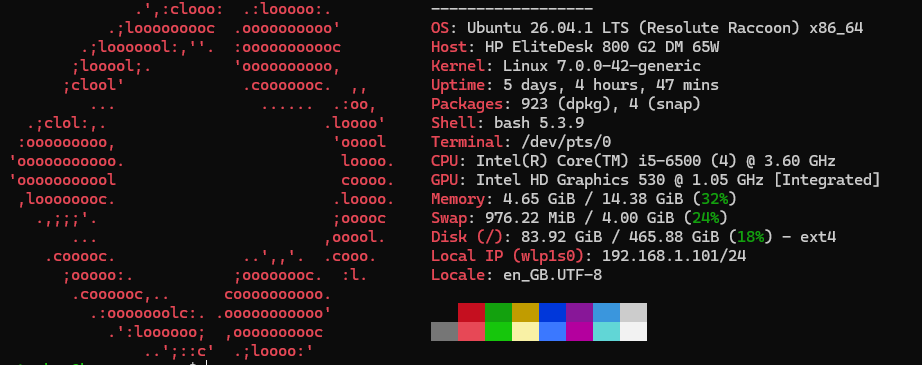
The screenshot below shows an overview of the server, including its operating system, uptime, hardware information, and current resource usage.
The Services Running on My Server
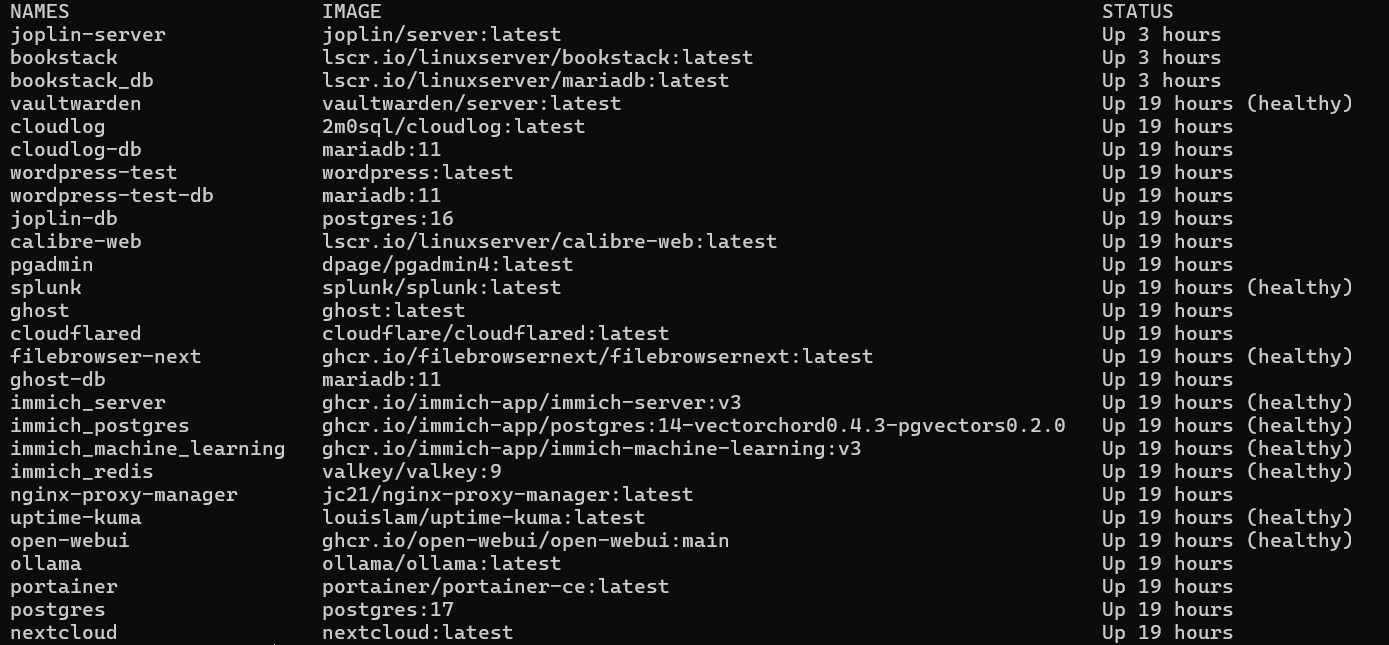
Most of the applications on my server run as Docker containers. Docker makes it easy to deploy, update, and manage services while keeping them isolated from one another. The screenshot below shows the containers currently running on my server.
Website & Reverse Proxy
Ghost
This website and blog are powered by Ghost. Hosting the site myself has helped me learn about web hosting, SSL certificates, DNS management, and website maintenance.
Nginx Proxy Manager
Nginx Proxy Manager handles reverse proxying and SSL certificates, making it easy to securely publish services using custom domains and HTTPS.
Cloudflare Tunnel
Cloudflare Tunnel provides secure external access to selected services without exposing ports directly to the internet.
File Management & Storage
Nextcloud
I use Nextcloud as my personal cloud platform for storing files, synchronising data between devices, and accessing documents remotely.
File Browser
A lightweight web-based file manager that allows me to browse and manage files directly from a web browser.
Documentation & Knowledge Base
BookStack
A self-hosted documentation platform where I keep notes, guides, procedures, and technical documentation for future reference.
Monitoring & Reliability
Uptime Kuma
Used to monitor services and alert me if something becomes unavailable.
Splunk
My log analysis platform. Splunk helps me collect and analyse system and application logs, making troubleshooting and monitoring much easier.
Artificial Intelligence
Ollama
Provides local AI models that run directly on my hardware.
Open WebUI
A web interface that allows me to interact with locally hosted AI models through a user-friendly chat interface.
Photo Management
Immich
My self-hosted photo management platform. It provides automatic photo backup, organisation, facial recognition, and search capabilities similar to commercial cloud services.
Containers & Management
Docker
Almost all services run in Docker containers, making deployment, upgrades, and maintenance much easier.
Portainer
Portainer provides a graphical interface for managing Docker containers, images, networks, and volumes.
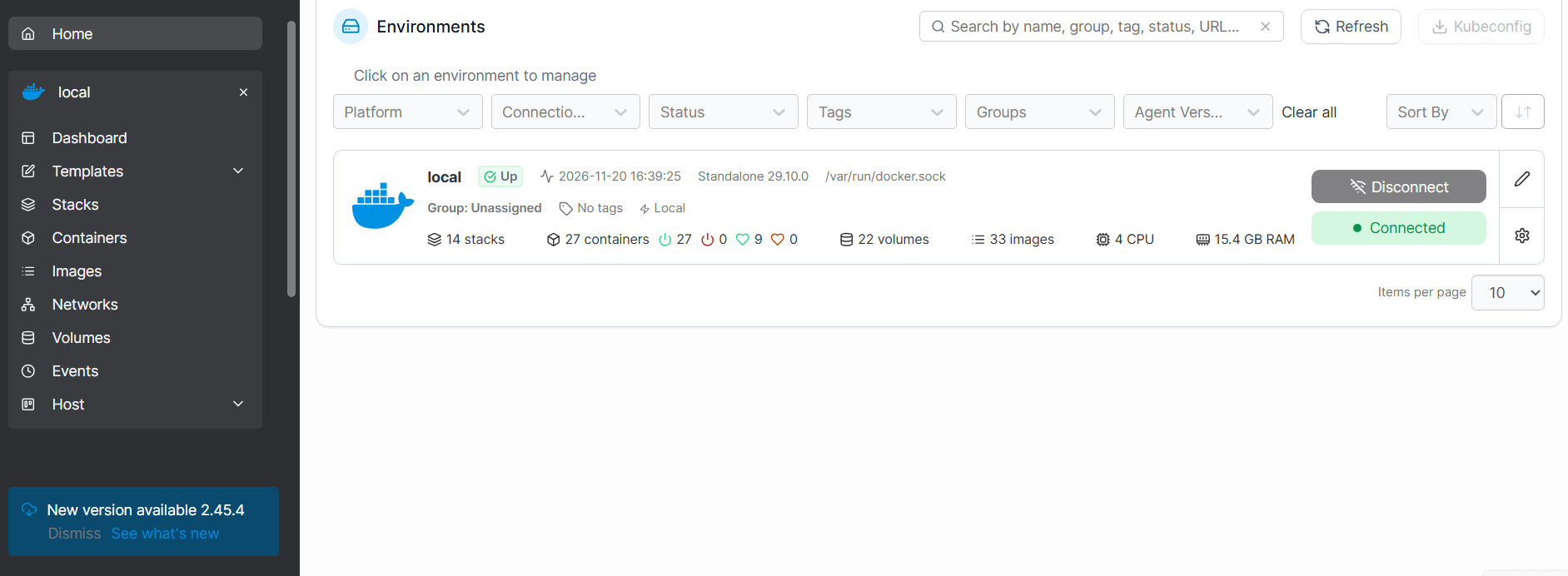
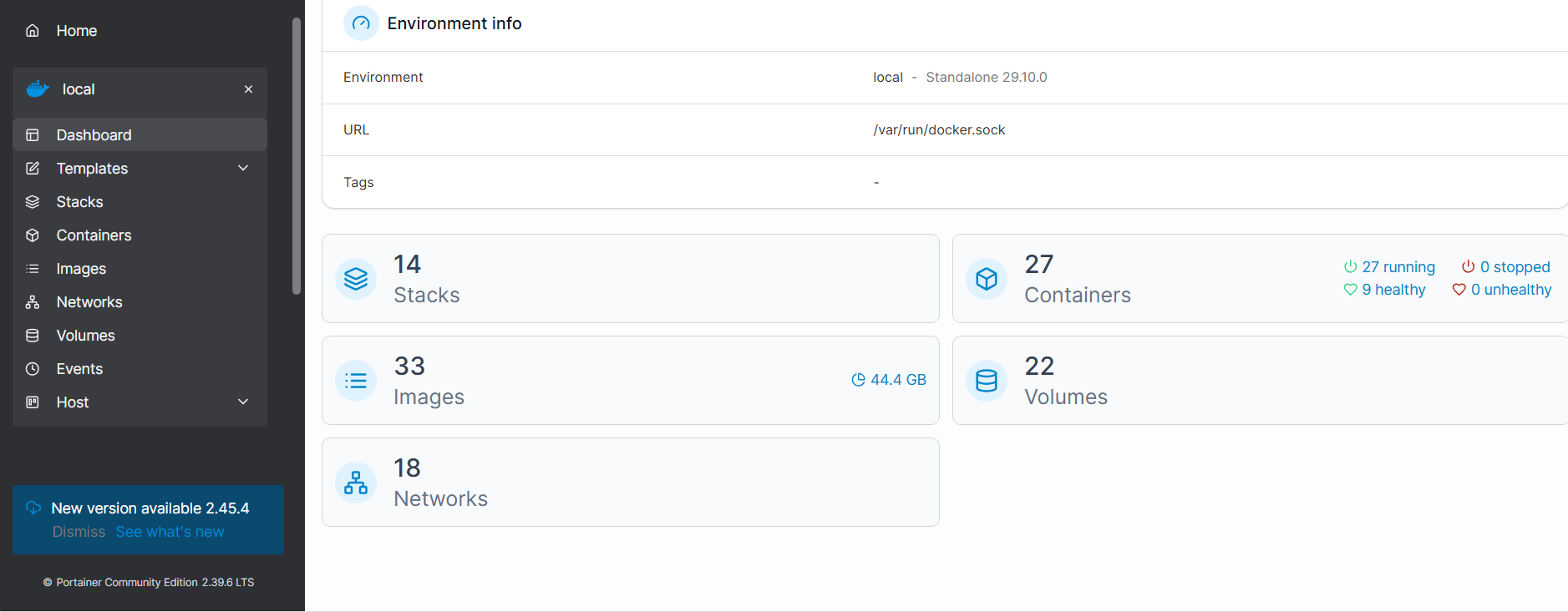
Portainer provides an overview of the Docker environment running on my home server, making it easy to monitor and manage containers through a web interface.
What I've Learned
Running this server has taught me far more than simply installing software. I've gained practical experience with Linux administration, Docker, networking, DNS, reverse proxies, SSL certificates, monitoring, backups, and troubleshooting. Perhaps most importantly, it has provided a safe environment where I can experiment, make mistakes, and learn from them.
Conclusion
While many people rely entirely on cloud services for these tasks, running my own infrastructure has been both educational and rewarding. What began as a simple website hosting project has evolved into a versatile platform for learning, experimentation, and self-hosting. As I continue to learn new technologies and discover new projects, I'm sure the server will continue to evolve alongside them.